
Dante is a quiet place to write a novel: scenes, chapters and parts on the left, the text in the middle, characters and places beside it. Every scene is a plain Markdown file in a folder of yours, so the same novel opens in Obsidian or any text editor, and travels in Dropbox or Google Drive. Free, for Mac, Windows, Linux and the browser.
looking for the latest version… · How to install
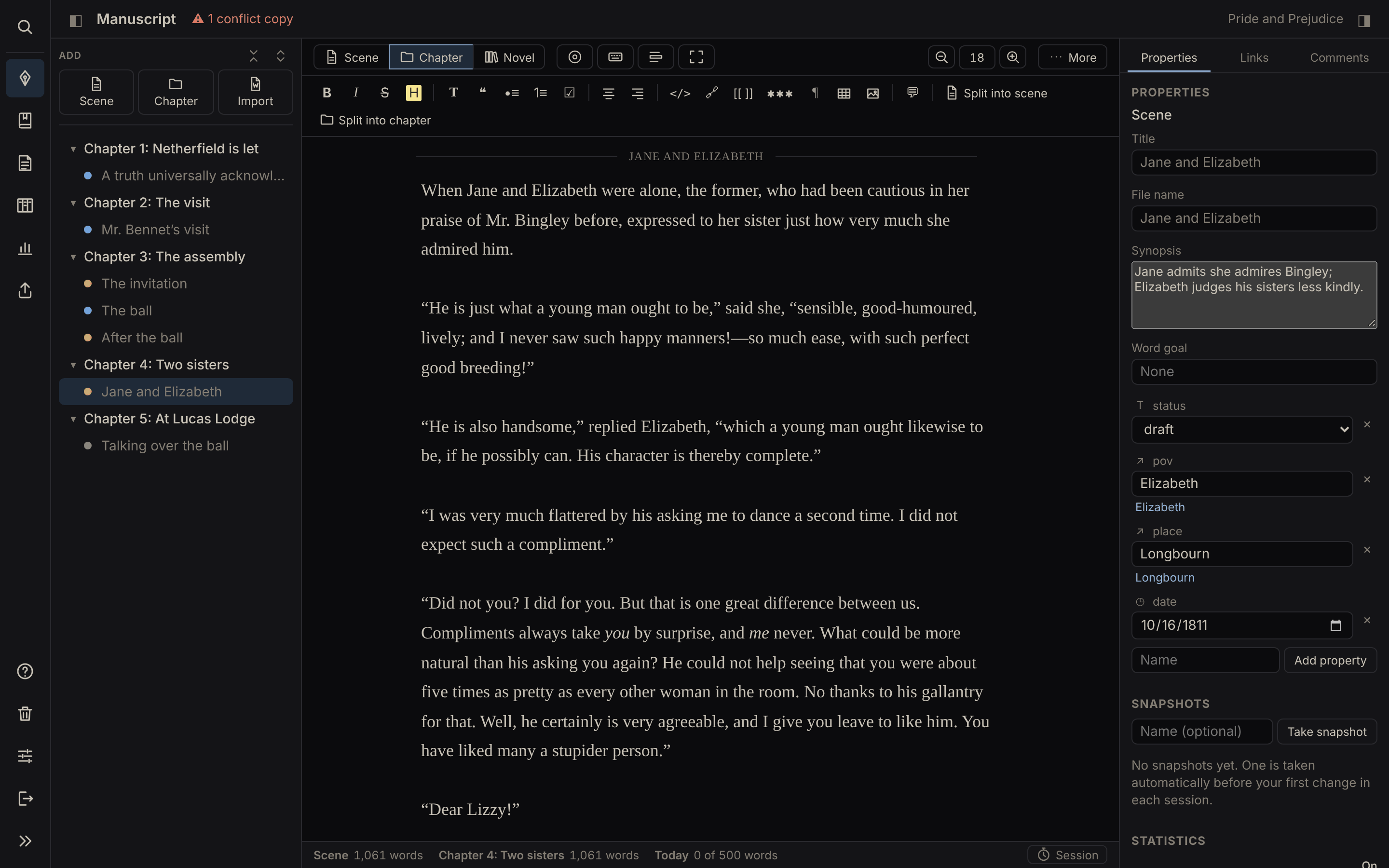
Write one scene at a time or read the whole novel in one go. ⌘ or Ctrl+Enter splits a scene where the cursor is; drag to reorder. Snapshots keep earlier versions of every scene.
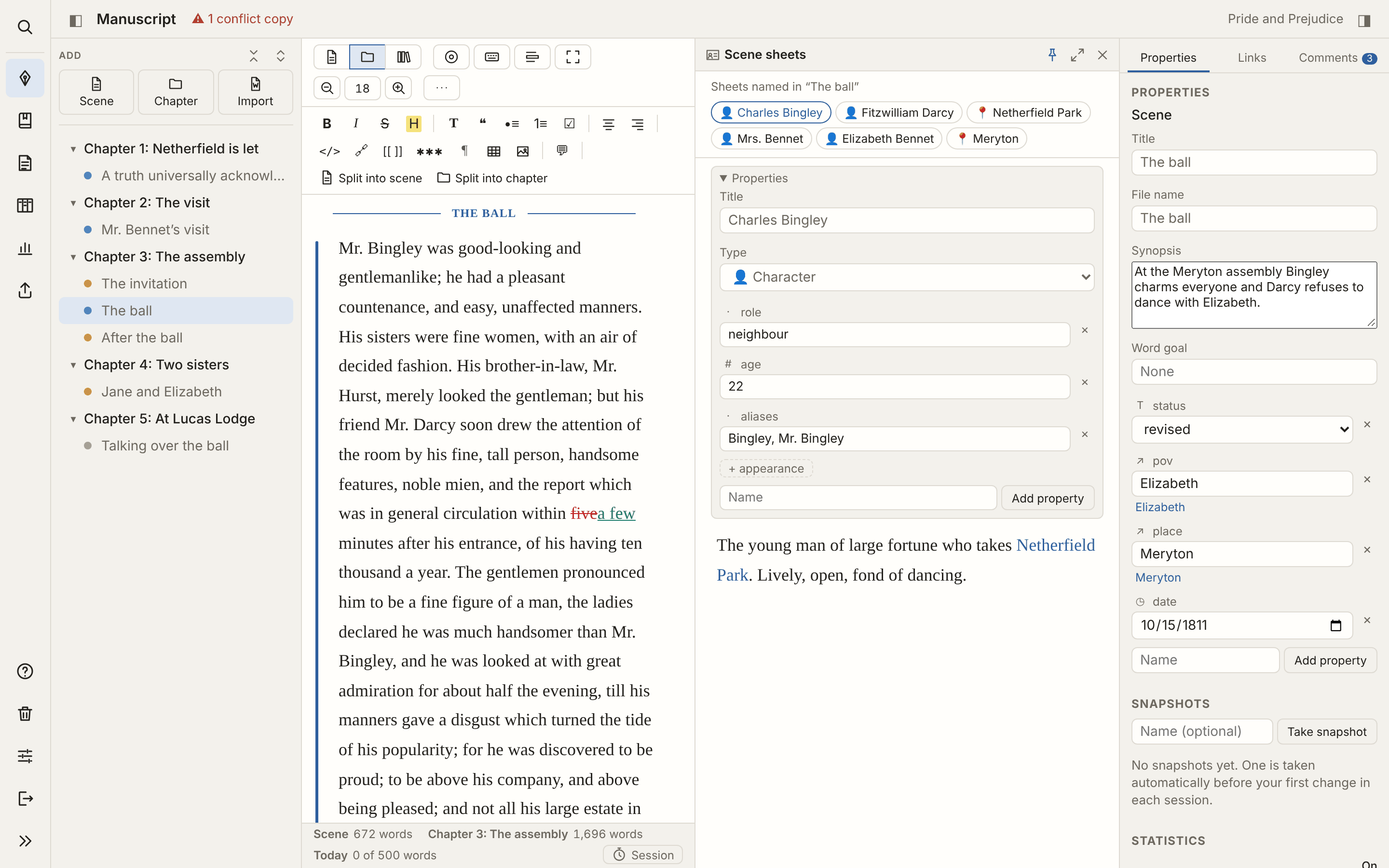
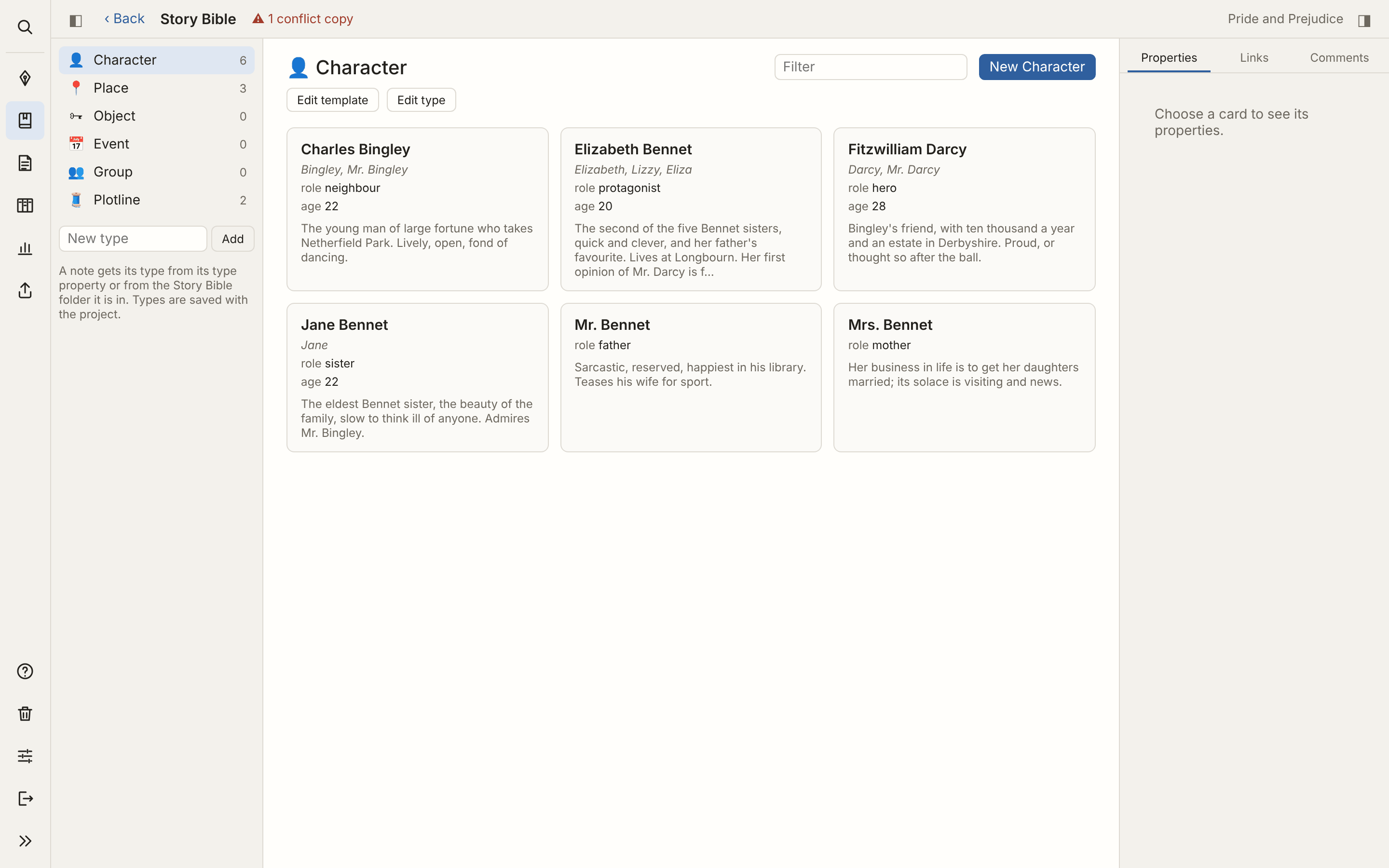
Characters, places, plotlines and anything else, as cards with their properties. Wikilinks join them to the scenes, and the sheets of the people in a scene open beside the text.
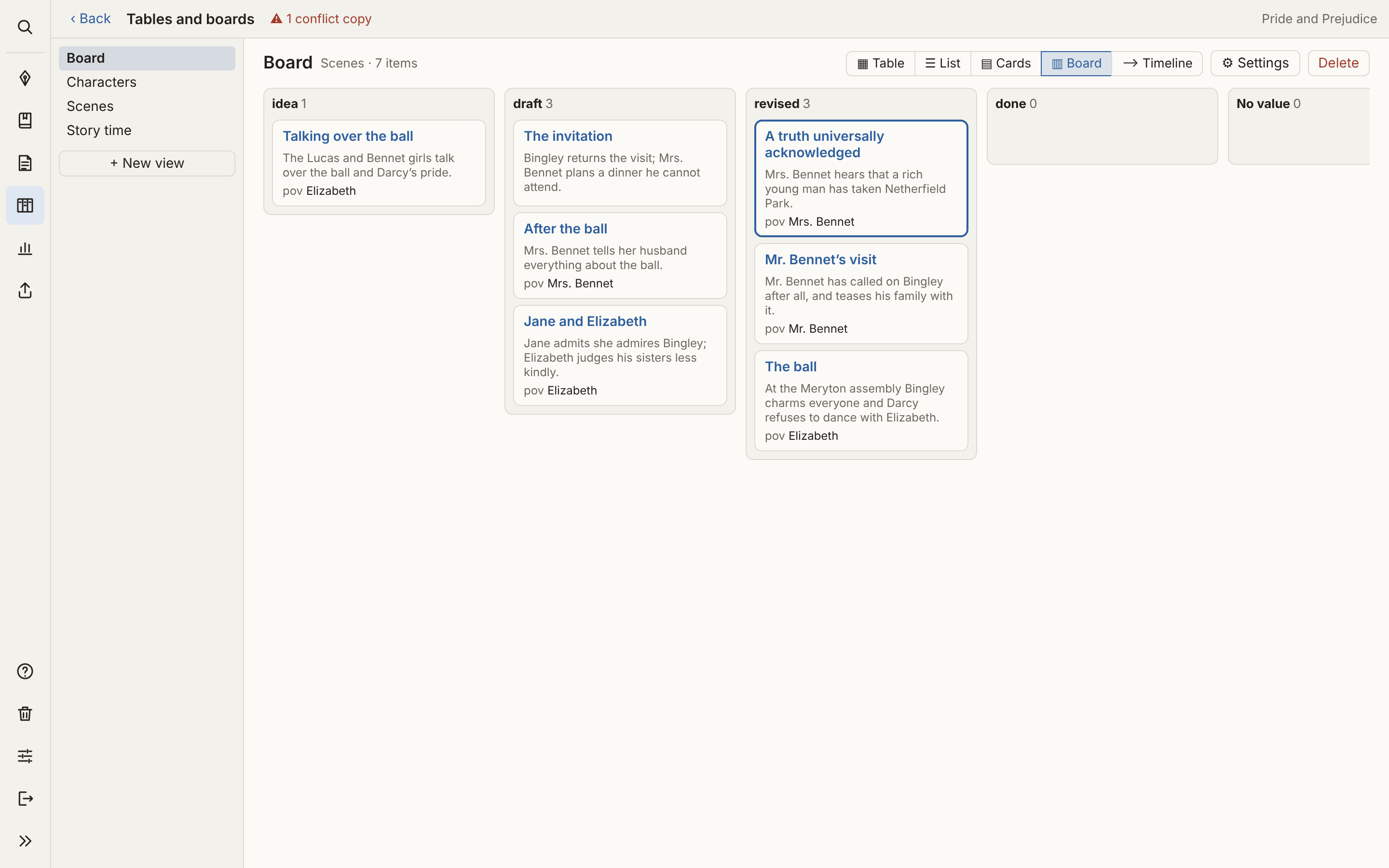
Scenes by status on a board, a table of point of view and places, a timeline of story time. The properties are yours to choose.
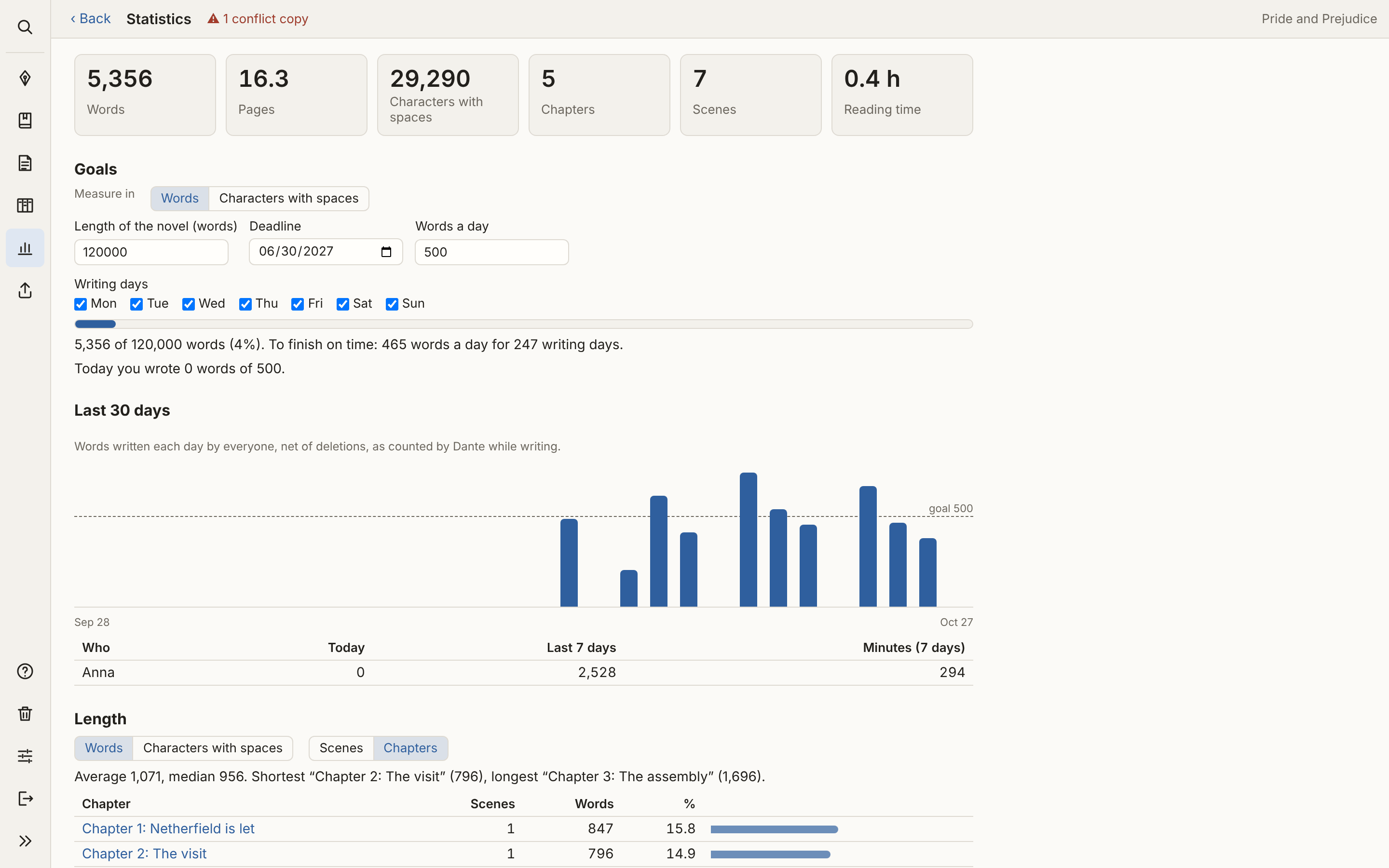
Length of the novel, a deadline and a daily goal, counted in words or in characters with spaces. Writing days, sessions and the most used words.
Signed comments and tracked revisions, with the project shared through Google Drive or Dropbox. Dante sees the changes of the others as they arrive.
Import a novel from Word or Scrivener. Export it as a standard manuscript for agents and publishers, as a PDF to read or print, or as an ebook.
A Dante project is an ordinary folder on your computer: one Markdown file per scene, one folder per chapter, a dante.yaml file with the novel’s settings. No account, no cloud of ours, no subscription.
Dante does not send your text anywhere and keeps no statistics of how you use it. What you write stays yours, even before you show it to anyone.
Markdown files open in any text editor, today and in twenty years. The same folder is an Obsidian vault, with its properties and links.
In Dropbox, Google Drive or iCloud to write from more computers or with a co-author, in git to keep the whole history. Dante also keeps zip copies in Documents.
Dante goes online only to check for updates and, when you ask, to download an image from a web address.
The latest version is {version}. Dante is not signed with an Apple or Microsoft certificate: the first time, macOS and Windows ask for confirmation. Installed copies then update themselves.
Installing step by step, and getting past the warning of macOS and Windows
Open the .dmg and drag Dante to Applications. The first time: System Settings → Privacy & Security → Open Anyway. macOS 10.15 or later.
If SmartScreen says “Windows protected your PC”: More info → Run anyway.
Make the AppImage executable (chmod +x) and start it.
Dante is free: if you find it useful, you can buy me a coffee with PayPal.
The web version is the same program, with nothing to install: it works in Chrome, Edge or Brave on the folders of your computer, and offline after the first visit. Useful to try Dante, or where an app cannot be installed.
Compared with the app it has a few limits: no PDF export yet, moving chapters is slower, changes made by other programs show after a few seconds. Safari and Firefox open only the sample project. If you can, install the app.
Short videos to start writing with Dante.
The first videos are coming soon.
Every feature, chapter by chapter, with screenshots, and a short first steps page. The full guide is in Italian; the same pages are in Dante’s Help.
First steps (English) Guida completa (italiano)